A Tool That Builds Its Own Tools
Melquíades is a local IDE I maintain. The organizing idea is that everything is a snippet: a bit of HTML, a CSS block, a prompt, or a chain — a snippet composed of ordered snippet names. Run a chain and its members are combined into one document and executed in a sandboxed iframe. It doesn’t version them yet, but that’s something I’d like to implement in the future.
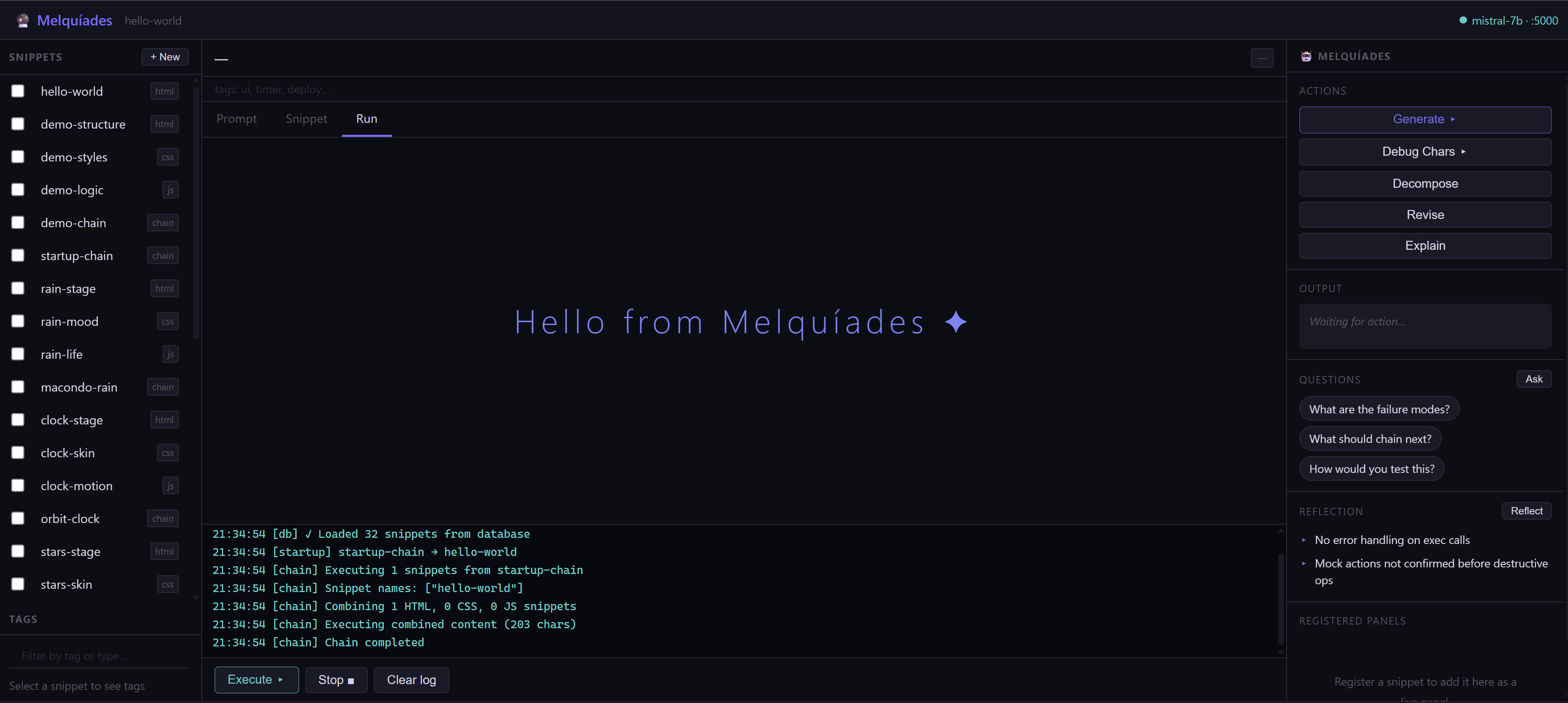
This implementation had been living as a mock since the inception of the project, but before I launched into it I asked Fable to generate some fun warm-up snippets of its choice — a clock drawn as an orbiting system, a canvas that names clusters of points, a symbol reader backed by a local Mistral model — more on those here. They were play, but insightful as a reflection on the overall idea. This is the first thing that touches my actual machine.
The deploy board
The deploy-board is the first working snippet that runs real shell commands on the host. I tested few — docker ps, a snippet-database status check, a database backup — but the one I want to walk through is git. I’d been looking forward to extending it podman-style to work with APIs, but since local models rolled out I’m also interested in developing this branch. On security: it should be stressed that this is a local, single-user tool, not something exposed to the network.
The workflow:
1. Run what’s already there
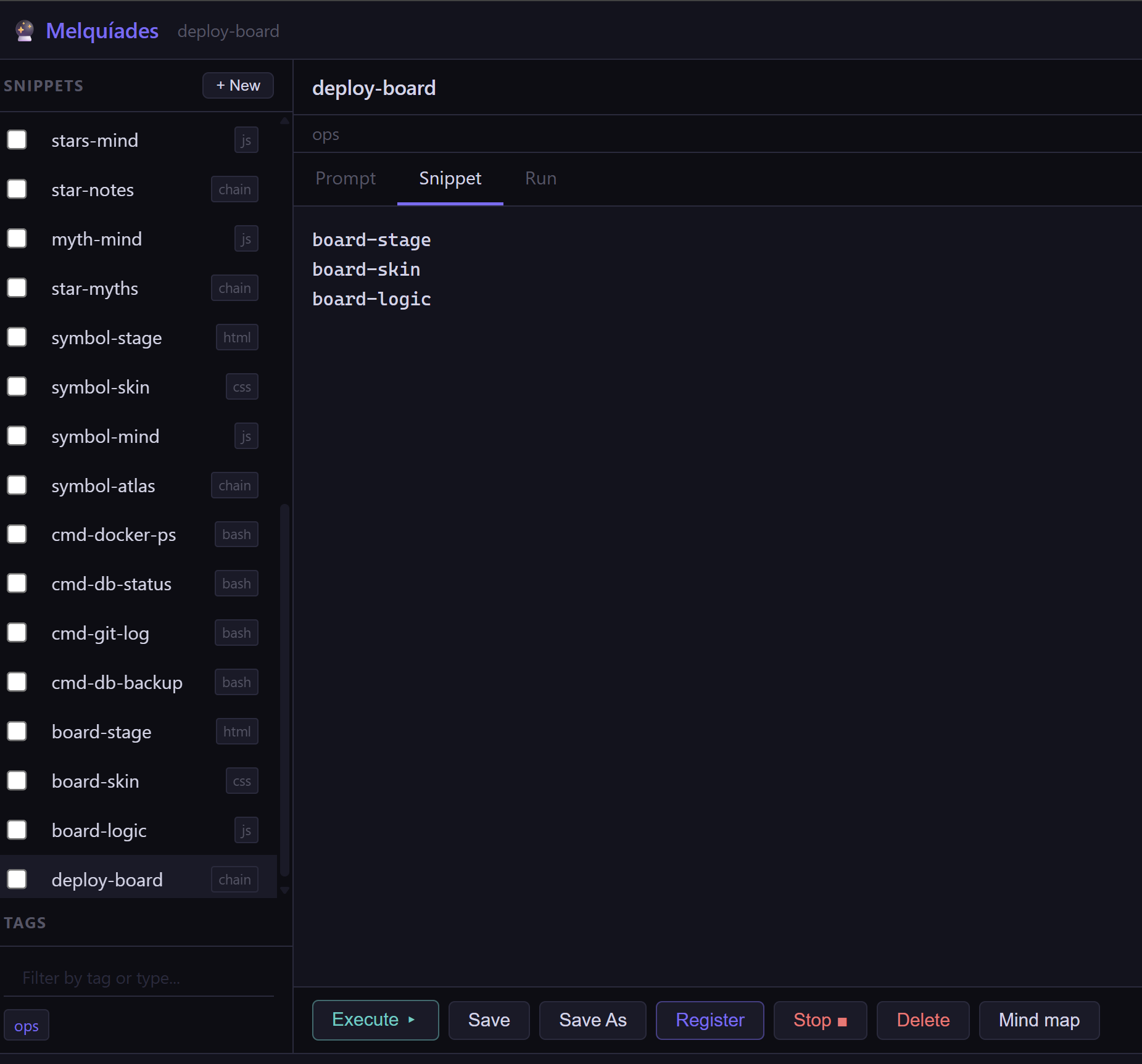
The board itself is a chain — three snippets that make up its markup, style, and logic:
deploy-board   (chain)
├── board-stage   html
├── board-skin    css
└── board-logic   js
Each button is wired to a stored bash snippet. The git-history one is about as small as a snippet gets:
cmd-git-log   (bash, exec:system)

git log --oneline -10
The body is just the command; the exec:system capability is what lets it leave the sandbox. I click the button, and the output streams into the panel line by line.
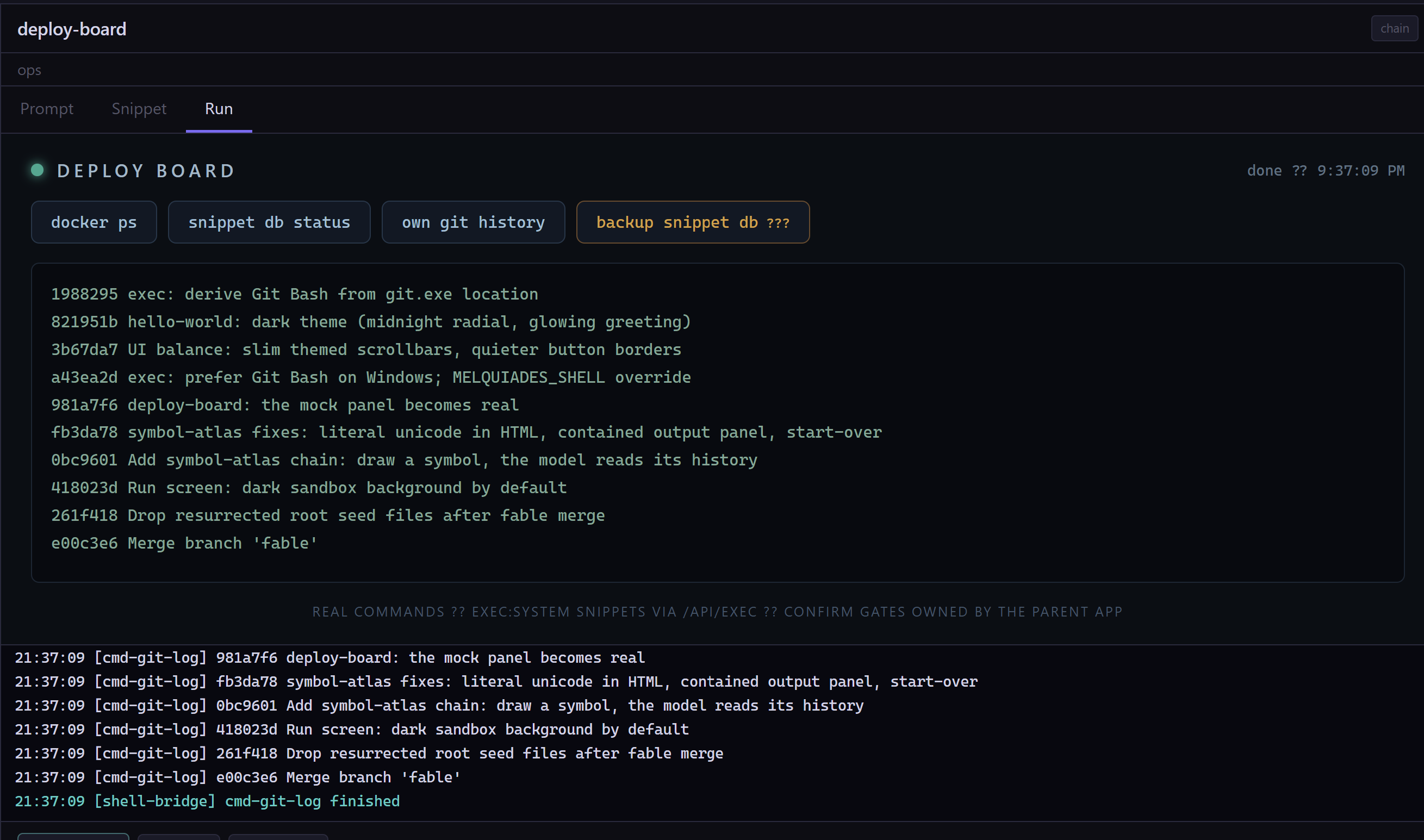
Useful, but git log is rarely what I actually want in the moment.
2. Add my own
Let’s say I often reach for “which files have I touched?” So I make a new snippet — cmd-git-touched, language bash, body git diff --name-only — give it the exec:system capability, and add one line to the panel to put a button next to the others. Re-run the chain and it’s there. Click it, and I get the working-set files with no terminal, no scrolling past a screenful of log.
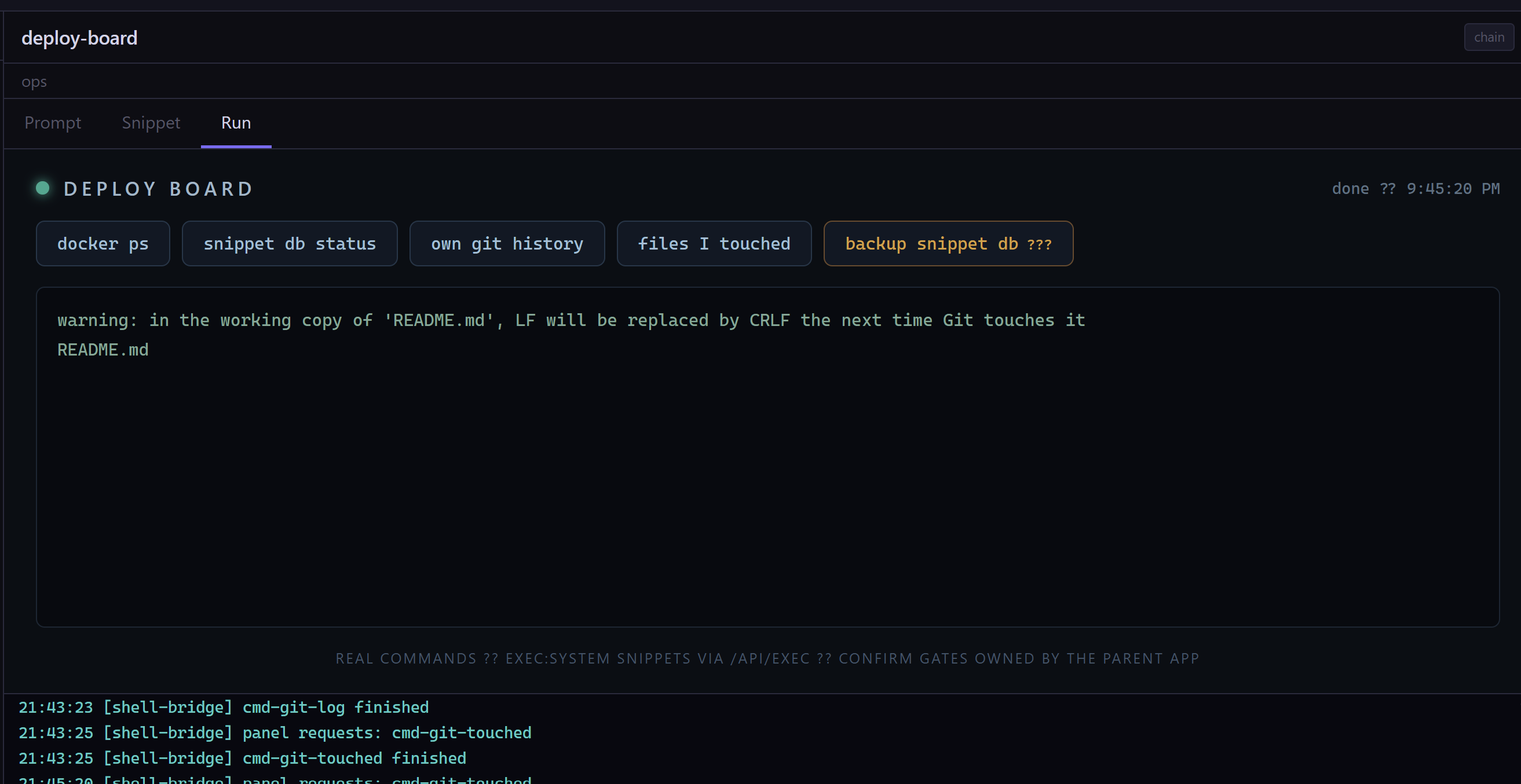
git diff --name-only, stored as a snippet like everything else.That’s the part I keep coming back to — the panel is editable the same way the things it runs are. Adding a tool is just writing one more snippet.
3. Ask the model for the one I can’t remember
Sometimes I know what I want but not the exact incantation — “undo the last commit but keep the changes staged” is one I look up every single time. So the board has a second kind of button: instead of storing a fixed command, the snippet asks the local model for one. I type the request in plain language, the model answers with a single git command, and it lands in the panel ready to run. No network — it’s a model running on my own machine.
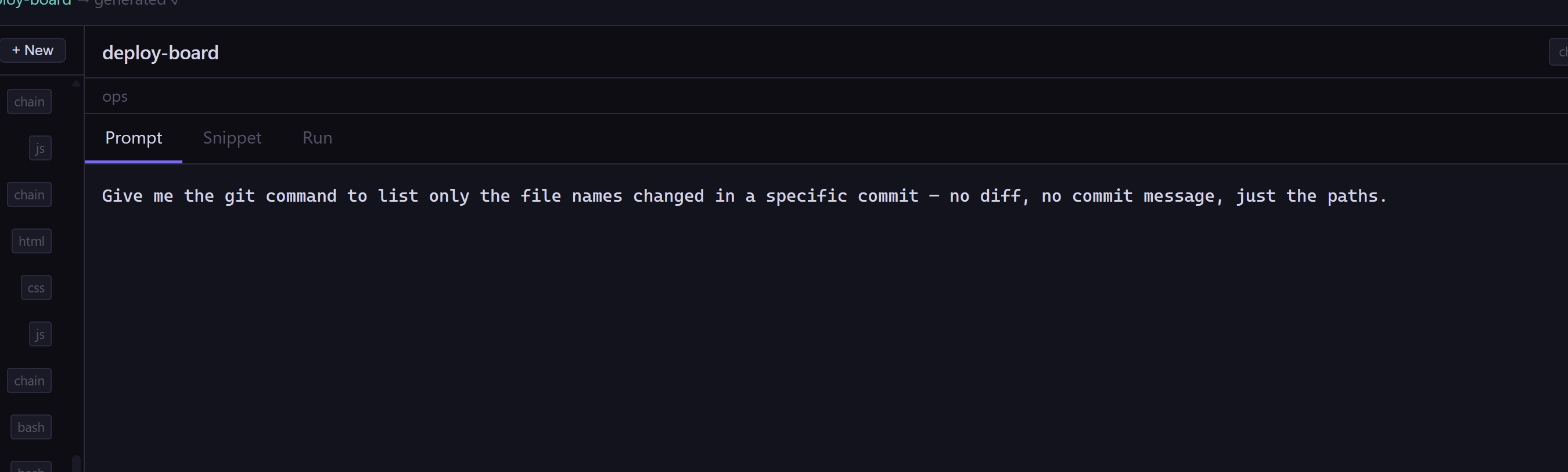
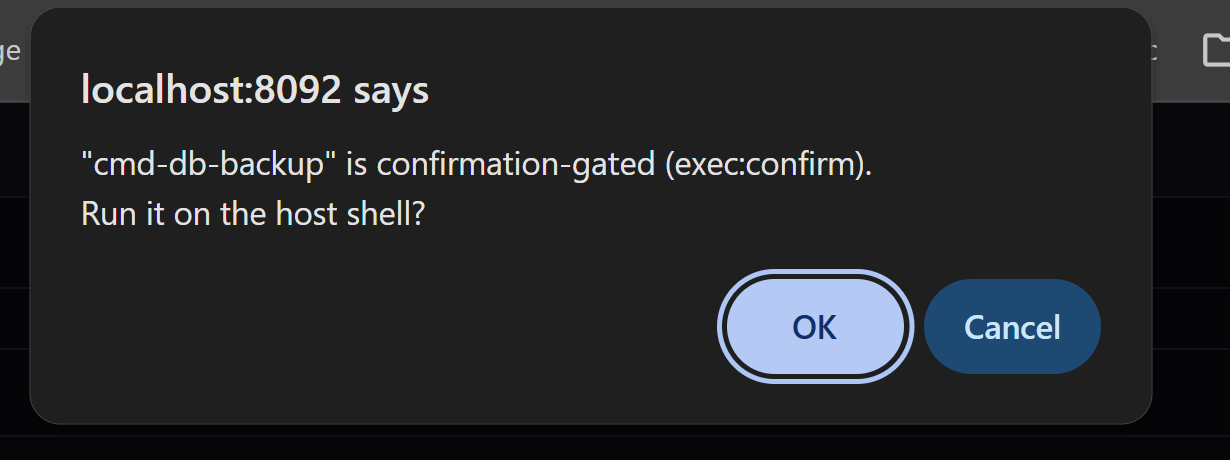
But a command I didn’t write shouldn’t run unsupervised. This is exactly what the capability column was for: model-suggested commands get exec:confirm instead of exec:system, so they stop at a gate that shows me the exact command before anything reaches the shell. I read it, and I’m the one who says go.
I think next post will be “The Tool that writes itself” about how it has a concept of startup chains and panels that are permanent on screen.